1. Connecting and OBS Installation
To bring the splash zone to your stream, you need to add the widget to your broadcasting software:
1) Log in to StreamPlush using your Twitch account.
2) Navigate to the Pool Jump widget detail page and click the Settings button.
3) Copy your unique Widget Custom URL located at the top of the page.
4) Open OBS (or your preferred streaming software) and add a new Browser Source.
5) Paste the URL and set the dimensions strictly to Width: 1920 and Height: 1080. Ensure "Allow transparency" is checked.
2. Game Commands & Auto-Reset
Set the rules for how your viewers jump in:
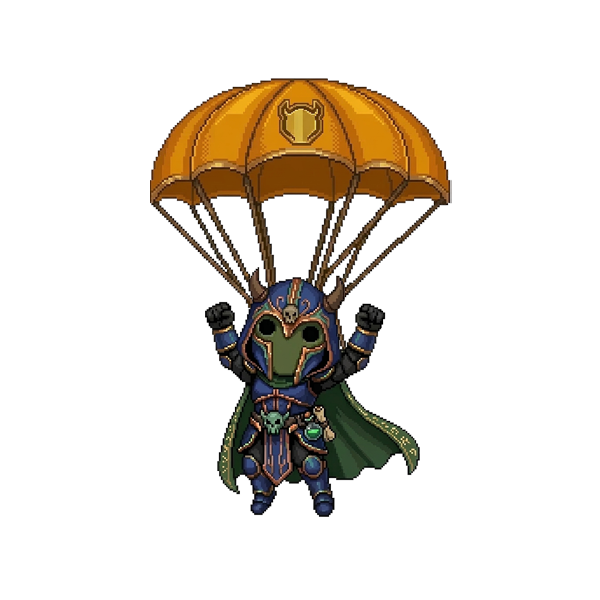
Join Command: By default, viewers type !jump in your Twitch chat. A character with their name will immediately deploy a parachute and drop from the top of the screen.
Resetting the Pool: To clear the pool and start a new round, you can type the reset command (default: !resetpool).
Auto-Reset: We highly recommend turning on the Auto-Reset Toggle. You can set a timer (e.g., 5 or 10 minutes) so the pool automatically clears itself, giving everyone a fresh chance to compete for the high score without you having to lift a finger!
3. Pool Positioning & Difficulty
Make the game as easy or as difficult as you want:
Manual Position: Use the visual slider to place the pool exactly where you want it on your screen. You can move it all the way to the Left (0), Center (50), or Right (100). The live preview box will show you its exact location.
Random Position: Toggle the Random Position switch ON. Every time the pool resets, it will spawn in a completely new, unpredictable location on the screen, keeping your viewers on their toes!
4. Gameplay Mechanics & Bot Messages
The Pool Jump widget is packed with fun mechanics. You can customize the exact messages your StreamPlush bot sends for each of these events:
Scoring & The Crown: When a viewer lands in the water, their score is calculated based on how close they land to the dead center (up to 99.99 points). The highest scorer gets a visual crown on their avatar, and your bot will announce the New Leader in chat.
Regular Points: If a viewer lands safely but doesn't beat the leader, the bot can send a personalized User Point Message to tell them their score.
Shark Attacks! There is a hidden 20% chance that when a viewer lands in the water, a giant shark will jump out and eat them! They will score 0 points. You can enable a hilarious Eaten By Shark message to humiliate them in chat.
Access Restrictions: If you want to make jumping an exclusive perk, toggle Subscribers Only so only your subs can play.