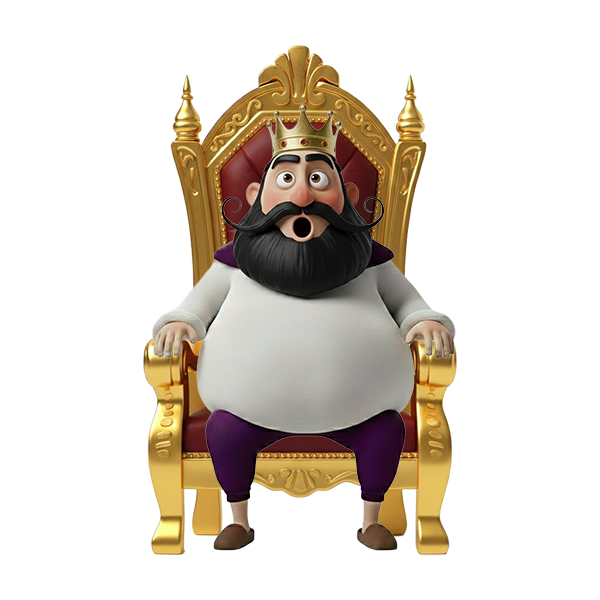
How to Use?1. Setup: Copy the widget URL from the Royal Throne Settings panel and add it to your streaming software (OBS/Streamlabs) as a Browser Source.
2. Dimensions: For the correct display of the throne, animations, and characters, set the Browser Source dimensions to 800px (Width) x 800px (Height).
3. Twitch Extension: For the widget to function correctly, you must also add the official extension to your channel. Use the following link to get started: [Insert Example Link Here]
4. Price & Duration Settings: * Price: Select the required Bits for a viewer to ascend the throne from the dropdown menu.
Duration (Min): Define the total time a king reigns (e.g., 20 minutes) if no one challenges them.
Min Duration: This is the Protection Time. The current king cannot be dethroned until this period expires (e.g., 1 minute), ensuring a guaranteed stay on the throne.
5. Customization: * Default Throne: Choose the starting throne appearance from the available presets in the panel.
Viewer Interaction: Once a viewer takes the throne, they can select their own Throne Design, choose their King Character, enter a Custom Message, and pick a Sound Effect to announce their reign.
6. Throne Control Commands: The streamer can manage the widget using these customizable commands:
Hide Command: (default: !thronehide) Hides the throne from the screen.
Show Command: (default: !throneshow) Makes the throne visible again.
Clear Command: (default: !throneclear) Resets the current throne and clears the occupant.
7. Bot Customization: Personalize the chat experience by editing the automated messages:
New Occupant Message: Triggered when a viewer takes an empty throne (Variables: {user}, {minutes}, {message}).
Takeover Message: Triggered when a rival "crushes" the current king to seize the throne (Variables: {user}, {old_king}).

 Bit Earnable